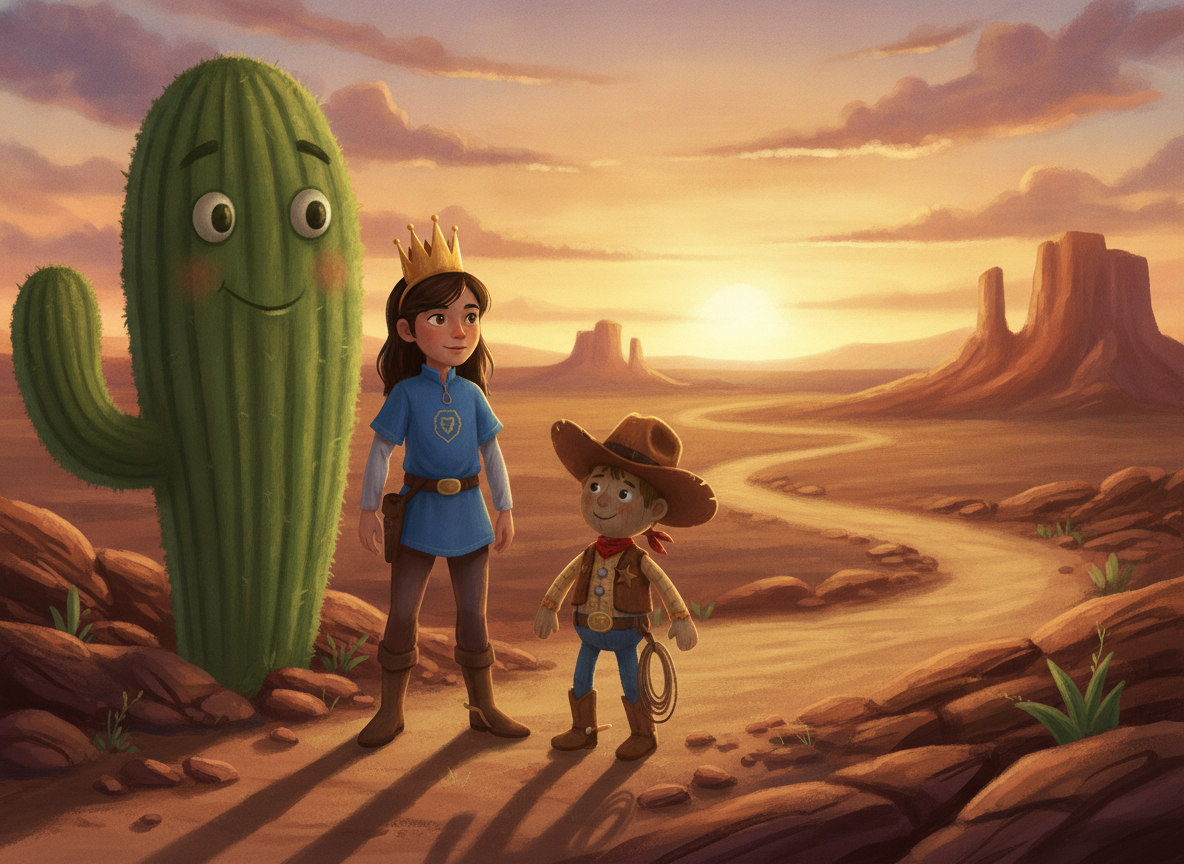
Personalized narrated stories from a toy photo in seconds

A magical little studio that turns toys into story adventures

ToyTales AI recognizes your child's favorite toys, builds an age-aware story around them, and brings it to life with warm narration. The experience is designed for families and supports both TR and EN flows.


Start with a photoInstant toy recognitionTR + EN narration
App StoreComing SoonGoogle PlayComing Soon

The site is wired so video and screenshots can be filled later from a single typed content file.

Story portal

ToyTales AI

Live soon
ToyTales AI icon

Library

Favorites, playback, and repeatable toy adventures in one place.

Voices

A warm narration flow designed to feel playful instead of robotic.

Video slot

Product trailer

Video will be added later

How it works

The flow is intentionally simple so the product pitch feels quick, friendly, and easy to trust.

1. Take a toy photo

Capture a new image or pick one from the library. The app focuses on the toys in the frame.

2. Pick story settings

Choose language, age group, and story mood. The product narrative stays family-friendly from start to finish.

3. Listen to the story

Read the generated story, start narration, and revisit favorite adventures later.

Feature

Toy-driven story generation

Every session starts from the actual toys found in the photo, making each result feel personal.

Feature

Narrated storytelling

The product goes beyond text and leans into a listening-first family experience.

Feature

Family-friendly framing

Age-aware storytelling and safe usage language stay visible throughout the page.

Feature

Flexible media showcase

Video and screenshot areas are ready now and easy to replace with real assets later.

What the experience highlights

Photos are described as transient input, not something kept as stored content.

The landing page is structured around the clearest product promises and leaves room for richer media later.

Privacy-first messaging

The page repeats the product's most important trust signal before the CTA: family moments stay protected and photos are not positioned as long-term stored data.

  • Temporary image-processing language is surfaced clearly
  • Family-safe framing appears before download CTAs
  • Trust signals remain visible in both locale versions
Video and screenshot area

Video slot + Screenshots

This section launches with placeholders now and can be filled later through the typed content data inside `site`.

video

Product trailer

Video will be added later
video

Product trailer

Your intro video will live here

Your intro video will live here

screenshot

Home flow

Visual will be added later
screenshot

Home flow

The warm welcome and quick-start experience

The warm welcome and quick-start experience

screenshot

Toy analysis

Visual will be added later
screenshot

Toy analysis

Toy detection and selection from a single photo

Toy detection and selection from a single photo

screenshot

Story settings

Visual will be added later
screenshot

Story settings

Language, age, and story preference controls

Language, age, and story preference controls

screenshot

Story result

Visual will be added later
screenshot

Story result

Generated story and listening experience

Generated story and listening experience

Store CTA, ready for launch links

A magical little studio that turns toys into story adventures

Buttons ship in a waiting state for now. Once real store URLs exist, updating the content file will be enough.

This first pass focuses on product storytelling, locale routing, and flexible placeholder media.

Stores

App StoreComing SoonGoogle PlayComing Soon